Post by : Sam Jeet Rahman
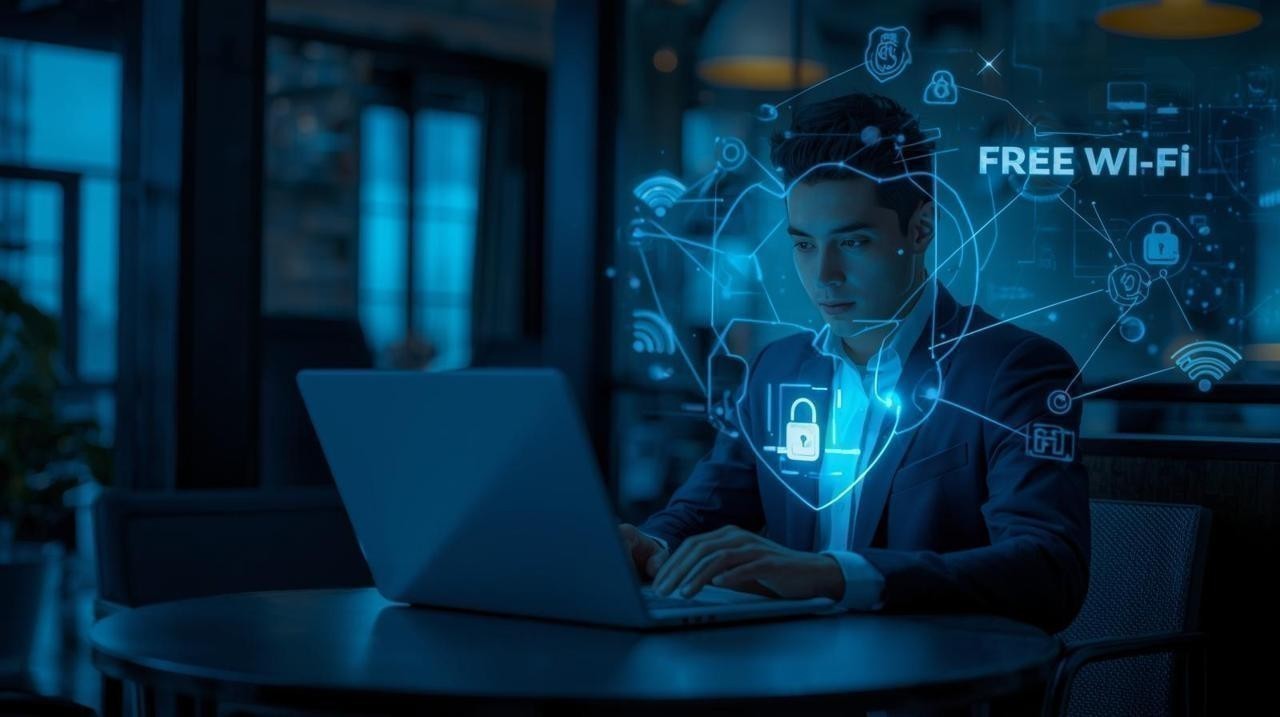
Public Wi-Fi has become a daily necessity. From airports and coffee shops to libraries and hotels, free Wi-Fi makes staying connected easier than ever. But while public Wi-Fi networks are convenient, they are also one of the biggest threats to your online privacy and data security. Hackers often target these open networks to steal personal information such as banking details, passwords, or even private conversations.
This guide will explain why public Wi-Fi is risky, the methods cybercriminals use, and—most importantly—practical ways to protect your data while still enjoying the benefits of free internet. By the end, you’ll know how to browse safely without fear of your information being stolen.
When you connect to public Wi-Fi, you’re essentially sharing a network with strangers. Unlike your home internet, these networks rarely use strong encryption. This means anyone with basic hacking skills can monitor traffic, intercept data, and even impersonate websites.
Hackers often use techniques like “man-in-the-middle” attacks where they secretly position themselves between you and the connection point. They can then see what you’re doing online—whether it’s logging into email, accessing banking apps, or sending private files.
The danger grows because most people feel safe on free Wi-Fi. This false sense of security makes it easier for cybercriminals to exploit unsuspecting users.
Hackers can steal sensitive data such as usernames, passwords, credit card numbers, or business information.
Cybercriminals often create “evil twin” networks that look like legitimate free Wi-Fi. Once connected, your device unknowingly shares private information.
Hackers use unsecured networks to send viruses and malware to connected devices. This can lead to long-term data loss or even identity theft.
In this attack, hackers hijack your active session with a website, gaining access to your accounts without needing your login credentials.
Hackers don’t need advanced tools to break into unsecured Wi-Fi. Many use free software to sniff data packets traveling across the network. For example, if you log into your email on an open network, they might capture your credentials in plain text.
Another trick is phishing over Wi-Fi, where fake login pages are injected into your browsing. You think you’re entering details into a trusted website, but you’re actually giving them directly to the attacker.
Understanding these methods highlights why extra protection is necessary every time you connect to free Wi-Fi.
A VPN encrypts your connection, making it nearly impossible for hackers to see what you’re doing online. Even if they intercept your data, the encryption makes it unreadable. Services like NordVPN, ExpressVPN, or ProtonVPN are popular and reliable.
Most devices are set to connect to known Wi-Fi automatically. This feature may connect you to a fake hotspot without your knowledge. Turn it off in your settings to ensure you connect manually.
Always check for HTTPS before entering sensitive information. Secure websites use encryption that makes it harder for attackers to steal data.
Even if someone steals your password, 2FA adds another layer of protection. This means hackers can’t easily log into your accounts without the second verification step.
Never access financial accounts or make online purchases when connected to public Wi-Fi. Save those tasks for when you’re on a secure, private connection.
If possible, use your phone’s personal hotspot instead of public Wi-Fi. Mobile networks are usually more secure and harder to hack.
Regular software updates fix security loopholes. Make sure your operating system, apps, and antivirus software are always up-to-date.
When you’re outside, it’s tempting to connect to free internet right away. But think before you connect. Ask yourself if it’s worth risking your personal data just to save a few megabytes of mobile data.
If you must use public Wi-Fi, avoid tasks involving sensitive information. Instead, stick to casual browsing, streaming, or reading news. For anything involving banking, payments, or personal accounts, use mobile data or a VPN.
VPN Apps: Encrypt your internet traffic.
Password Managers: Tools like LastPass or Bitwarden store and generate strong passwords, making it harder for hackers to guess them.
Antivirus Software: Detects malware that may sneak into your system via public Wi-Fi.
Firewall: Blocks unauthorized connections to your device.
Using these tools together creates multiple layers of protection against cybercriminals.
As cybersecurity threats rise, many businesses are investing in better encryption and authentication methods for their Wi-Fi networks. Governments in several countries are also pushing regulations to enforce higher security standards in public internet services.
At the same time, more people are becoming aware of the risks. The global VPN market is expected to reach $77 billion by 2027, showing how demand for secure browsing is rapidly growing.
In the future, technologies like 5G hotspots and AI-driven security systems may make it safer to browse on the go, but until then, personal responsibility remains key.
Public Wi-Fi may be free and convenient, but it comes with hidden dangers. Hackers can use these open networks to steal personal information, distribute malware, and access private accounts. However, by using VPNs, sticking to HTTPS websites, enabling two-factor authentication, and avoiding sensitive tasks, you can protect yourself against most threats.
The next time you connect to a free Wi-Fi network, remember that a little caution can save you from a lifetime of consequences. Protecting your data is not just about technology—it’s about making smart choices.
It’s generally safer for casual browsing, but there are still risks. Hackers can inject malicious ads or track your activity, so using a VPN is recommended even for simple browsing.
Yes. Without encryption, hackers can intercept login credentials easily. Using HTTPS websites and VPNs adds protection.
Absolutely. Logging out prevents session hijacking and limits the chance of hackers gaining ongoing access to your accounts.
The safest option is using your mobile data or creating a personal hotspot. Mobile connections are generally more secure than open networks.
Free VPNs may provide basic protection but often have limitations like slower speeds, weaker encryption, or data logging. A reliable paid VPN is much safer.
Yes, but only if you use a trusted VPN and ensure the website uses HTTPS. Even then, using mobile data is safer for financial transactions.

US Stocks Slide as AI Fears, Inflation and Oil Surge Weigh
US stocks dropped as AI disruption fears hit tech firms, inflation rose above forecasts, and oil pri

Pacific Prime Wins Top Honors at Cigna Awards 2026
Pacific Prime secured Top Individual Broker and Top SME Broker awards at Cigna’s Annual Broker Award

QatarEnergy Halts LNG Output After Military Attack
QatarEnergy has stopped LNG production after military attacks hit its facilities in Ras Laffan and M

Strong 6.1 Magnitude Earthquake Hits West Sumatra, No Damage
A 6.1 earthquake struck off West Sumatra, Indonesia. No casualties, damage, or tsunami alert reporte

Saudi Confirms Drone Strike on US Embassy Riyadh
Two drones hit the US Embassy in Riyadh, causing a small fire and minor damage. No injuries were rep

UAE Restarts Limited Flights as Regional Airspace Disruptions Continue
UAE restarts limited flights from Dubai as US-Israel attacks on Iran disrupt regional airspace, forc
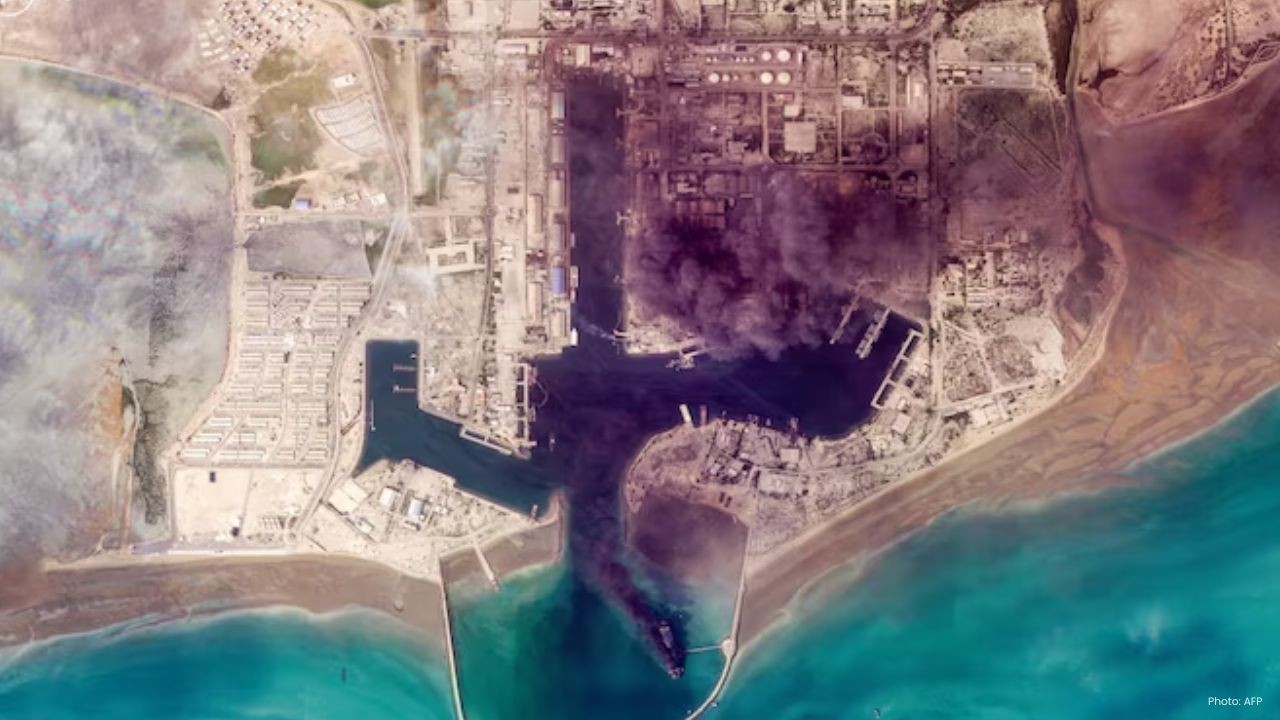
Asia Faces Energy Shock After Iran Closes Strait
Iran shuts Strait of Hormuz amid US-Israel strikes, sending oil prices higher and raising serious en


Bank of Baroda Faces Abu Dhabi Legal Battle over NMC Collapse
Bank of Baroda’s involvement in Abu Dhabi litigation tied to the NMC Healthcare collapse raises repu

Top Museum Openings of 2026 Set to Transform Global Tourism
From Los Angeles to Abu Dhabi and Brussels, 2026 brings major museum launches—Lucas Museum, Guggenhe

UAE Tour Highlights UAE’s Strength in Hosting Global Sports Events
Abu Dhabi Sports Council says the successful UAE Tour reflects the UAE’s leading role in hosting maj
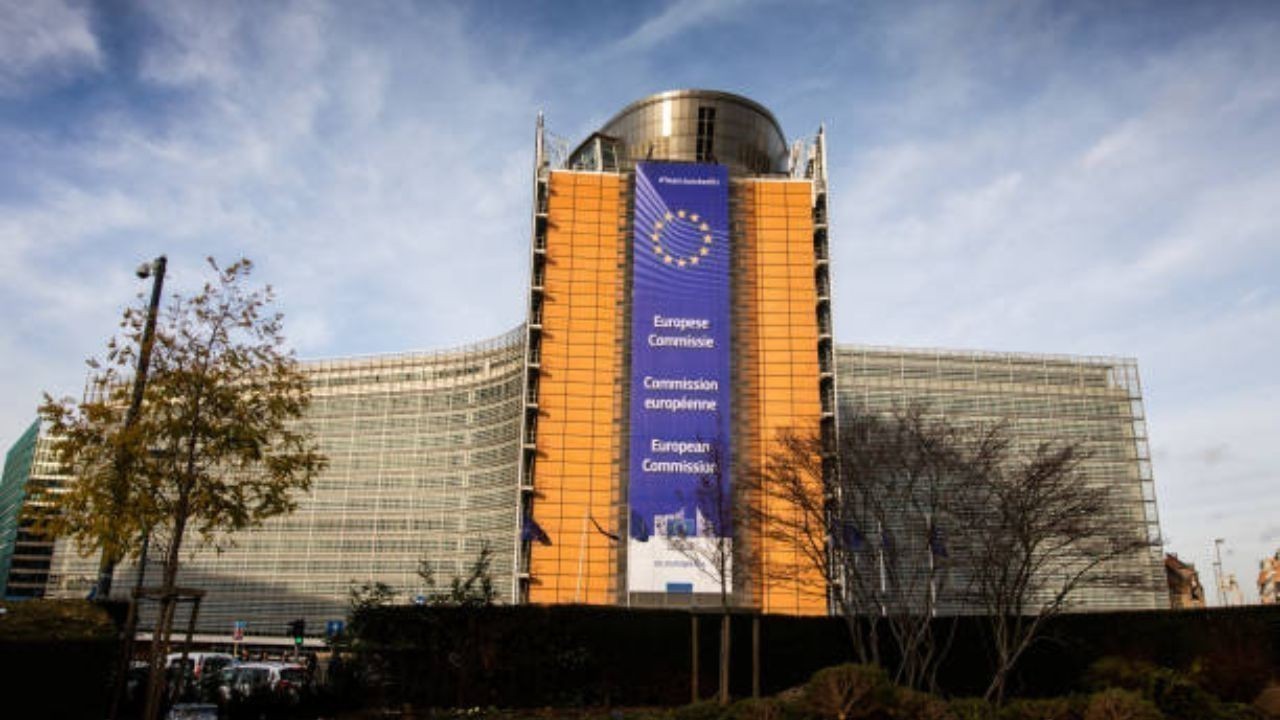
EU Seeks Clarity from US After Supreme Court IEEPA Ruling
European Commission urges full transparency from the US on steps after Supreme Court ruling, emphasi

SpaceX Launches 53 New Satellites for Expanding Starlink Network
SpaceX launches 53 Starlink satellites in two Falcon 9 missions, breaking reuse records and expandin

RTA Awards Contract for Phase II of Hessa Street Upgrade in Dubai
Phase II of Hessa Street Development to add bridges, tunnel, and upgraded intersections, doubling ca

UAE Gold Prices Today, Monday 16 February 2026: Dubai & Abu Dhabi Updated Rates
Gold prices in UAE on 16 Feb 2026 updated: 24K around AED 599.75/gm, 22K AED 555.25/gm, and 18K AED

Over 25 Ahmedabad Schools Receive Bomb Threat Email, Authorities Investigate
More than 25 schools in Ahmedabad evacuated after bomb threat emails mentioning Khalistan. Authoriti