Post by : Sam Jeet Rahman
Project management can be overwhelming — juggling deadlines, team updates, files, and client messages all at once. Whether you’re handling solo tasks or leading a full team, the right digital tools can make all the difference. Over time, I’ve tested dozens of productivity and project management apps, but only a few have become daily essentials.
Here are the five apps I use every single day to manage my projects efficiently, stay organized, and keep everything running smoothly.
If I had to choose one app to keep forever, it would be Notion. It’s my brain’s external hard drive — I use it for everything: planning, documentation, and tracking.
Why I love it:
Combines notes, databases, to-do lists, and wikis in one place.
Easy to customize for different projects (marketing campaigns, content calendars, client tasks).
Integrates with tools like Slack, Google Drive, and Trello.
How I use it daily:
I maintain a personal dashboard showing my priorities for the day.
Each client or project has its own workspace with goals, milestones, and resources.
I track content pipelines, from idea to publication, with progress columns.
Best for: Freelancers, teams, and entrepreneurs who want an all-in-one workspace without switching between apps.
Trello is my go-to app when I want a clear, visual overview of my workflow. Its drag-and-drop Kanban board system makes project management feel intuitive and satisfying.
Why it stands out:
Boards, lists, and cards are easy to understand at a glance.
Great for managing multiple projects with different team members.
Power-Ups (integrations) like Calendar View or Google Drive make it even more useful.
How I use it:
I have one board per client, with columns like To-Do, In Progress, Review, and Done.
Each card includes task details, due dates, attachments, and checklists.
I use labels (like “urgent” or “low priority”) to stay focused on what matters most.
Best for: Small teams and visual thinkers who prefer simplicity over complexity.
When I need a powerful all-in-one project management tool with analytics and automation, ClickUp takes the lead. It’s like Trello, Asana, and Notion combined — but built for serious productivity.
Why I use it daily:
You can manage tasks, documents, goals, and time tracking in one platform.
Custom views (List, Board, Calendar, or Gantt) adapt to how I want to work.
Built-in reminders, recurring tasks, and automation reduce manual updates.
How I use it:
For complex projects that involve multiple departments or contributors.
I assign deadlines, set priorities, and use dashboards to visualize team performance.
It syncs perfectly with Google Calendar and Slack, keeping everything connected.
Best for: Businesses or freelancers managing multiple clients and need deep project analytics.
Communication can make or break a project. That’s where Slack shines — it centralizes all conversations, making email chains a thing of the past.
What makes it essential:
Organizes messages into channels (like #marketing or #design).
Supports file sharing, voice messages, and video huddles.
Integrates with tools like Notion, Google Drive, and ClickUp.
How I use it:
My team and I use separate channels for projects, feedback, and updates.
I pin key messages or links so information doesn’t get lost.
Notifications are customizable — I can mute channels when I need focus time.
Best for: Teams that collaborate remotely or need real-time communication with minimal clutter.
Even with all the fancy project tools out there, Google Workspace remains irreplaceable for me. Between Docs, Sheets, Calendar, and Drive, it covers nearly every aspect of day-to-day project coordination.
Why it’s indispensable:
Real-time collaboration on documents and spreadsheets.
Easy cloud storage and file sharing.
Tight integration with almost every major productivity tool.
How I use it daily:
I plan project timelines in Google Sheets.
Store all shared files and assets in Google Drive.
Use Google Calendar for syncing meetings, deadlines, and reminders.
Best for: Teams or individuals who need flexible, cloud-based collaboration tools that are universally accessible.
While these five apps are my daily drivers, a few others deserve honorable mentions:
Asana — excellent for team collaboration and timeline planning.
Todoist — perfect for personal productivity and quick task tracking.
Miro — great for brainstorming sessions and visual mapping.
Don’t use them all at once — Start with one or two and master them.
Integrate, don’t duplicate — Connect apps (e.g., Slack + Notion) to avoid repetitive updates.
Set clear systems — Decide where to store files, assign tasks, and track deadlines.
Review weekly — Spend 15 minutes each Friday reviewing progress and adjusting priorities.
Project management isn’t about having more tools — it’s about using the right ones effectively.
By combining Notion for structure, Trello for visualization, ClickUp for analytics, Slack for communication, and Google Workspace for collaboration, you can build a system that keeps you focused, efficient, and in control.

US Stocks Slide as AI Fears, Inflation and Oil Surge Weigh
US stocks dropped as AI disruption fears hit tech firms, inflation rose above forecasts, and oil pri

Pacific Prime Wins Top Honors at Cigna Awards 2026
Pacific Prime secured Top Individual Broker and Top SME Broker awards at Cigna’s Annual Broker Award

QatarEnergy Halts LNG Output After Military Attack
QatarEnergy has stopped LNG production after military attacks hit its facilities in Ras Laffan and M

Strong 6.1 Magnitude Earthquake Hits West Sumatra, No Damage
A 6.1 earthquake struck off West Sumatra, Indonesia. No casualties, damage, or tsunami alert reporte

Saudi Confirms Drone Strike on US Embassy Riyadh
Two drones hit the US Embassy in Riyadh, causing a small fire and minor damage. No injuries were rep

UAE Restarts Limited Flights as Regional Airspace Disruptions Continue
UAE restarts limited flights from Dubai as US-Israel attacks on Iran disrupt regional airspace, forc
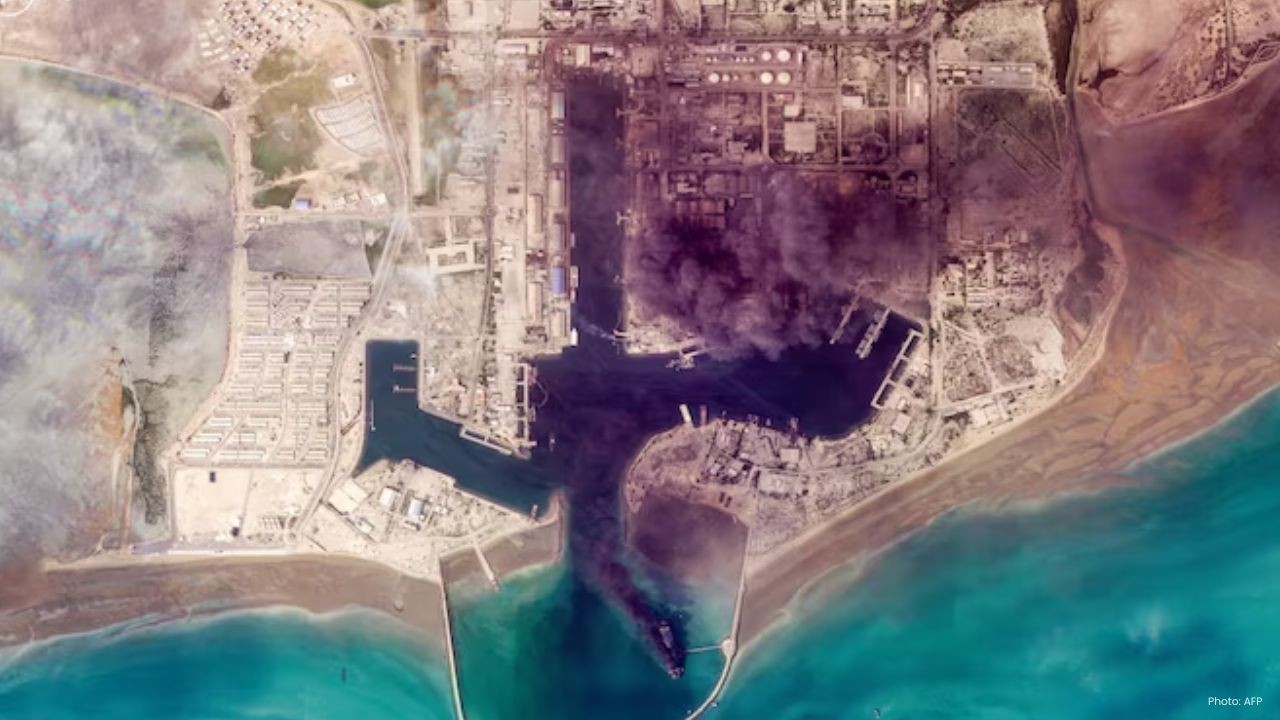
Asia Faces Energy Shock After Iran Closes Strait
Iran shuts Strait of Hormuz amid US-Israel strikes, sending oil prices higher and raising serious en


Bank of Baroda Faces Abu Dhabi Legal Battle over NMC Collapse
Bank of Baroda’s involvement in Abu Dhabi litigation tied to the NMC Healthcare collapse raises repu

Top Museum Openings of 2026 Set to Transform Global Tourism
From Los Angeles to Abu Dhabi and Brussels, 2026 brings major museum launches—Lucas Museum, Guggenhe

UAE Tour Highlights UAE’s Strength in Hosting Global Sports Events
Abu Dhabi Sports Council says the successful UAE Tour reflects the UAE’s leading role in hosting maj
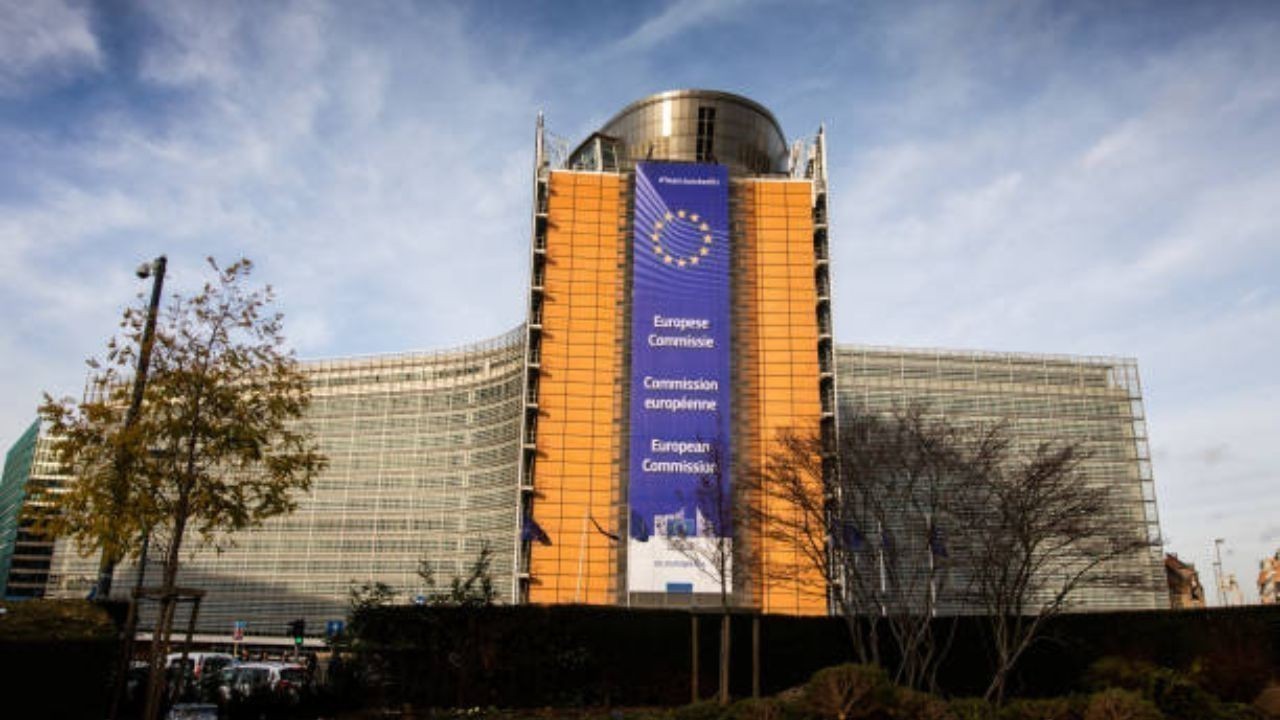
EU Seeks Clarity from US After Supreme Court IEEPA Ruling
European Commission urges full transparency from the US on steps after Supreme Court ruling, emphasi

SpaceX Launches 53 New Satellites for Expanding Starlink Network
SpaceX launches 53 Starlink satellites in two Falcon 9 missions, breaking reuse records and expandin

RTA Awards Contract for Phase II of Hessa Street Upgrade in Dubai
Phase II of Hessa Street Development to add bridges, tunnel, and upgraded intersections, doubling ca

UAE Gold Prices Today, Monday 16 February 2026: Dubai & Abu Dhabi Updated Rates
Gold prices in UAE on 16 Feb 2026 updated: 24K around AED 599.75/gm, 22K AED 555.25/gm, and 18K AED

Over 25 Ahmedabad Schools Receive Bomb Threat Email, Authorities Investigate
More than 25 schools in Ahmedabad evacuated after bomb threat emails mentioning Khalistan. Authoriti